 samuel127849
f001a192e1
samuel127849
f001a192e1
I vibe coded a change so that I can use mumble-web2 when I only have it in a small area instead of a full screen. Scaling for smol screens: 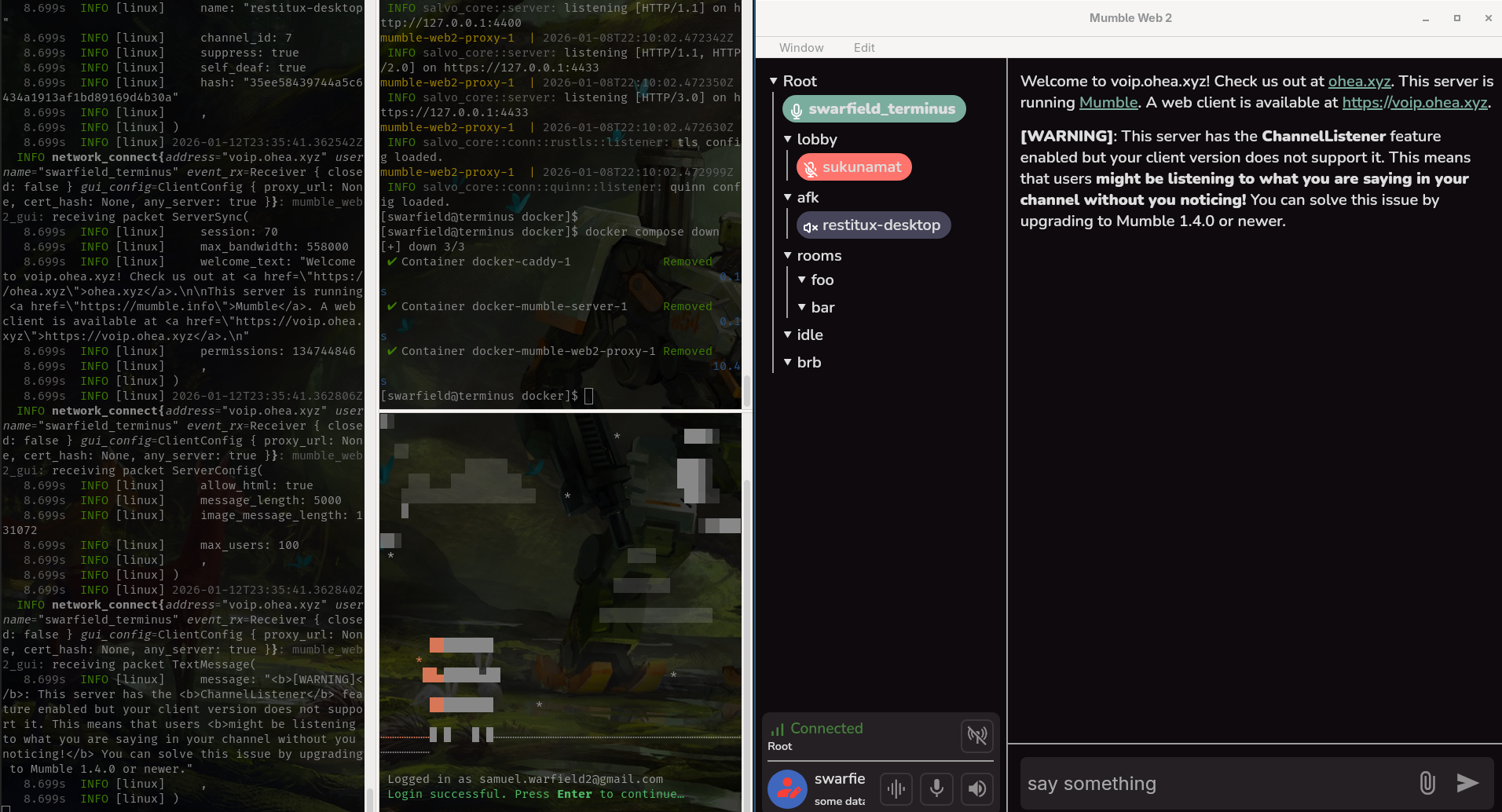 Full screen scaling: 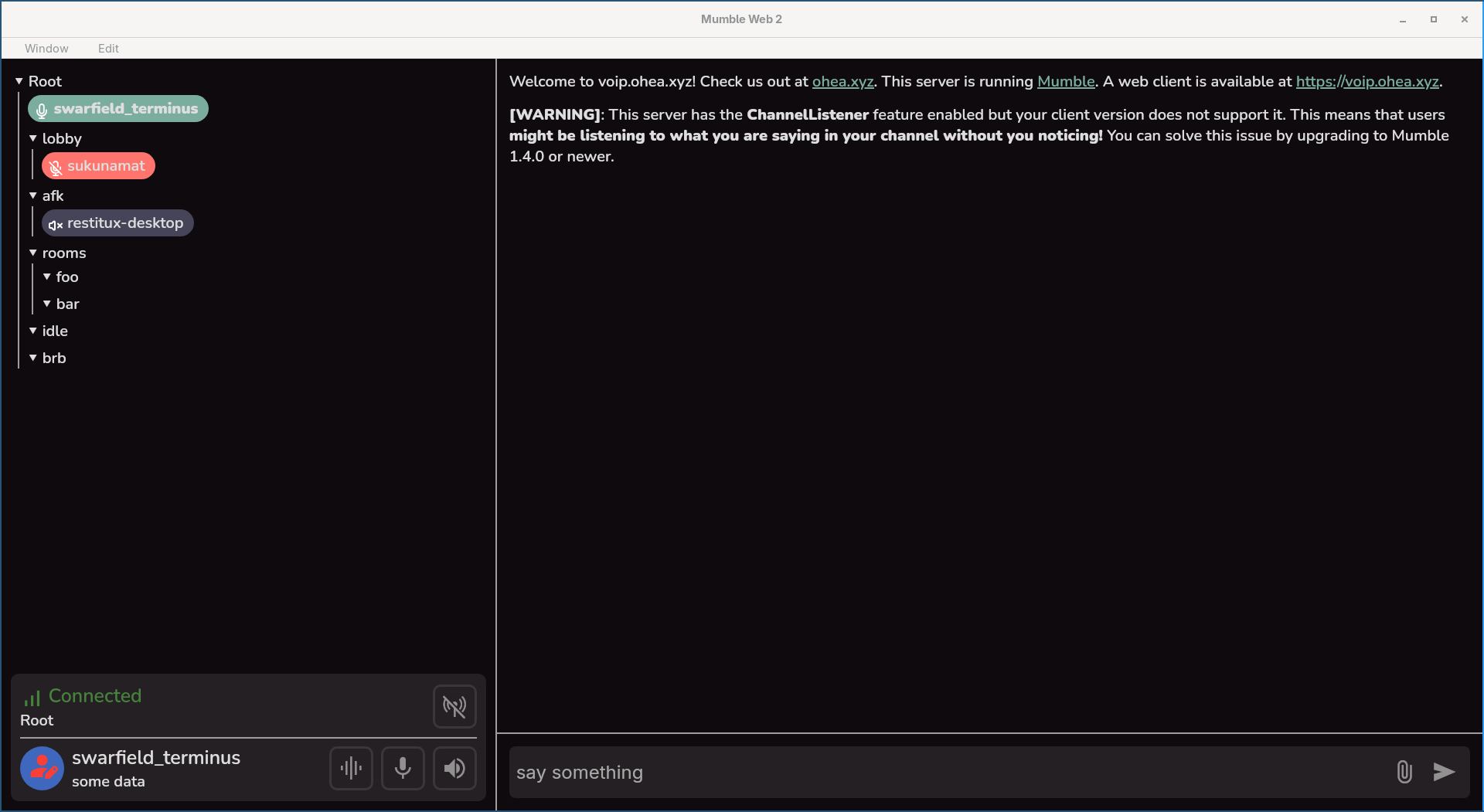 Reviewed-on: #15 Reviewed-by: restitux <restitux@ohea.xyz> Co-authored-by: Samuel Warfield <samuel.warfield2@gmail.com> Co-committed-by: Samuel Warfield <samuel.warfield2@gmail.com>
GUI Development
Running Desktop
cargo install dioxus-cli --version 0.7.1dx run -p mumble-web2-gui --platform desktop --release
Running Web (development)
cargo install dioxus-cli --version 0.7.1dx serve -p mumble-web2-gui --platform webcd docker && docker compose up- connect to
https://localhost:64444 - fill in the proxy url as
https://127.0.0.1:4433/proxy(this should autofill)
Running Web (with proxy only)
cargo install dioxus-cli --version 0.7.1dx build -p mumble-web2-gui --platform web --releasecp config.toml.example config.tomlcargo run -p mumble-web2-proxyin the background- connect to
localhost:8080